
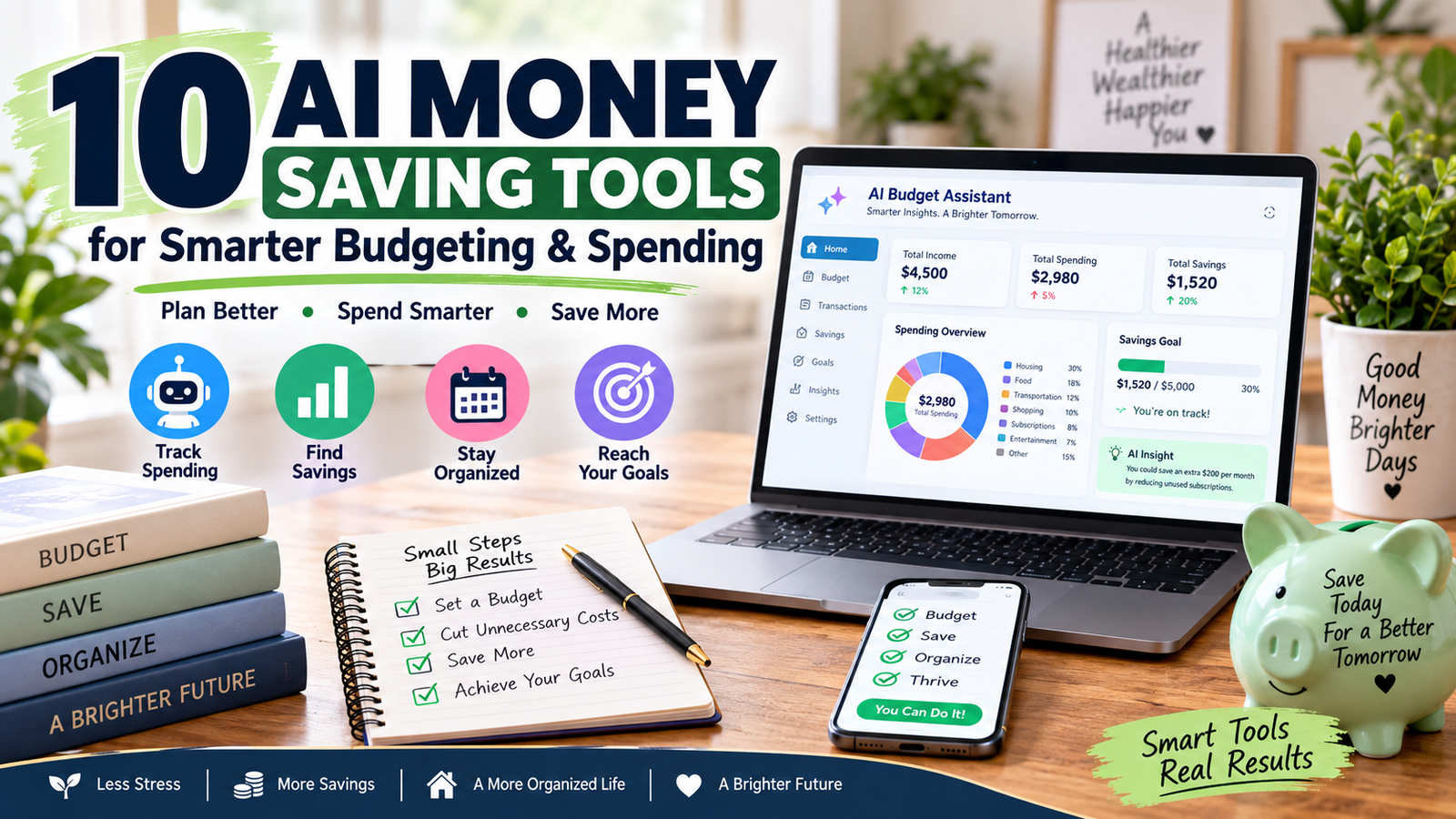
10 AI Money Saving Tools for Smarter Budgeting & Spending
Managing money becomes difficult when your income, bills, subscriptions, credit cards, savings, and everyday purchases are spread across different accounts.
AI money saving tools can make everyday budgeting easier by helping you spot unnecessary spending, organize bills, and find practical ways to save.
This is where AI money saving tools can make everyday budgeting easier.
Instead of manually reviewing hundreds of transactions, modern financial apps can categorize spending, identify patterns, track recurring expenses, monitor budgets, and help you understand where your money is going. Some tools can also answer questions about your financial data or suggest actions based on your spending habits.
The goal is not to let AI control your finances, the goal is to use technology to organize your money, find waste, make a realistic plan, and follow that plan consistently.
How AI Money Saving Tools Can Help You
You do not need to be a financial expert to use these tools. The best AI money saving tools do more than track transactions; they can turn your financial information into simple suggestions you can actually use.
A beginner can use them to answer practical questions such as:
- Where did most of my money go this month?
- How much am I spending on subscriptions?
- Which expenses increased?
- How much do I have left to spend?
- Can I reduce my monthly expenses?
- Am I staying within my budget?
- How much can I save each month?
- Where can I cut spending without affecting essentials?
For example, if you discover that you are spending $180 more on restaurants than planned, you have a specific number to work with.
Reducing that spending by $80 per month would free up $960 per year.
That is where AI money saving tools become useful: they help turn confusing financial information into practical decisions.
1. Rocket Money — Find Subscriptions and Recurring Expenses
Rocket Money can help organize recurring expenses, subscriptions, bills, and spending.
Its current AI assistant, Rowan, can answer questions about spending and, depending on the service level and task, help with actions such as eligible subscription cancellation and bill negotiation.
Simple example
Suppose your monthly recurring expenses include:
- Streaming services: $45
- Gym: $35
- Cloud storage: $15
- Unused app subscriptions: $20
That is $115 per month.
If you identify and cancel $35 of services you no longer use, you could save:
$35 × 12 = $420 per year
Benefit
The biggest benefit is finding small recurring charges that are easy to forget.
Always review the current pricing and terms before using paid features such as bill negotiation.
2. Monarch Money — See Your Finances in One Place
Monarch Money brings accounts together so you can view spending, cash flow, budgets, goals, and net worth in one place.
Its current AI features include an AI Assistant and AI-powered insights that can help users understand their financial information.
Simple example
You notice that your monthly spending increased by $300.
Instead of checking every transaction manually, use the available insights to identify which categories changed.
You might discover:
- Dining increased by $120
- Shopping increased by $100
- Entertainment increased by $80
Now you know exactly where to review your spending.
Benefit
It helps turn lots of financial data into a clearer picture of what is happening with your money.
3. Copilot Money — Automatically Organize Transactions
Copilot Money uses AI to learn spending patterns and categorize transactions.
This can reduce the amount of manual work required to organize your purchases.
Simple example
Imagine you buy groceries several times each month.
Instead of manually sorting every transaction, the app can learn your previous categories and help organize new transactions.
At the end of the month, you can see your total grocery spending and compare it with your target.
Benefit
The main advantage is less manual budgeting work and better visibility into spending patterns.
You can then use those numbers to decide whether your grocery, dining, shopping, or entertainment limits need adjustment.
4. Quicken Simplifi — Build a Practical Spending Plan
Quicken Simplifi organizes income, bills, subscriptions, planned spending, and savings goals.
Its Spending Plan updates as transactions come in, while Quicken AI Chat can answer questions about your financial information and help with certain tasks after you review and approve changes.
Simple example
Suppose you receive $4,000 in monthly take-home income.
Your planned expenses are:
- Rent: $1,400
- Utilities: $250
- Groceries: $500
- Transportation: $300
- Subscriptions: $100
- Savings: $400
The remaining amount becomes easier to monitor throughout the month.
Benefit
You can see how much money is actually available after planned expenses, instead of guessing based on your bank balance.
5. Origin — Connect Spending With Bigger Goals
Origin combines budgeting, spending analysis, goals, investments, and financial planning.
Its AI Advisor can provide insights based on financial information and help with questions, budgeting, and financial scenarios.
Simple example
Suppose your goal is to save $6,000 for an emergency fund.
You need:
$6,000 ÷ 12 months = $500 per month
If your current budget cannot support $500, review flexible expenses and find realistic areas to reduce.
Benefit
The useful part is connecting today’s spending decisions with a specific financial goal.
Instead of simply saying, “I need to save more,” you have a monthly number to work toward.
6. Albert Genius — Automate Approved Money Tasks
Albert offers Genius, an AI-powered financial assistant that can help with budgeting, spending, savings, alerts, and other financial tasks.
Albert says Genius can create personalized action plans and carry out approved actions, including certain money transfers.
Simple example
You want to save $1,200 during the year.
That means approximately:
$1,200 ÷ 12 = $100 per month
You can create the goal and use available automation features to help maintain the savings habit.
Benefit
Automation can reduce the need to remember every small financial task yourself.
Important: Always review automated transfers and make sure enough money remains available for upcoming bills.
7. Empower Personal Dashboard — Track Your Overall Finances
Empower Personal Dashboard helps users track spending, accounts, investments, and net worth in one place. It can be useful for understanding your overall financial position, especially when your money is spread across checking, savings, retirement, and investment accounts.
Unlike tools specifically marketed around conversational AI, its core purpose is financial tracking and visibility. Check Empower’s official website for its current features, account requirements, and terms before signing up.
It can be useful when your financial information is spread across checking, savings, retirement, and investment accounts.
Before connecting accounts, review Empower’s official Personal Dashboard features and security information to understand its current tools, account requirements, and data-protection measures.
Simple example
You might have:
- $5,000 in checking
- $15,000 in savings
- $30,000 in investments
- $4,000 in credit card debt
Looking at these numbers together gives you a better view of your overall financial position.
Benefit
You can see the bigger financial picture, rather than judging your finances from one bank account.
8. Cleo — Use a Conversational Approach to Budgeting
Cleo uses a conversational approach to help users interact with their financial information.
This can appeal to people who find traditional spreadsheets confusing or boring.
Simple example
Instead of building a spreadsheet, you could ask a budgeting assistant:
“How can I reduce my flexible spending by $100 this month?”
You can then review your spending categories and decide which suggestions are realistic.
Benefit
A conversational interface can make budgeting feel easier to understand and less intimidating.
Before signing up, check the current pricing, available features, and terms.
9. ChatGPT — Turn Your Numbers Into an Action Plan
A general AI assistant such as ChatGPT can also help organize your financial plan when you provide the information yourself.
It can help create:
- Monthly budget templates
- Spending checklists
- Savings plans
- Debt-payment scenarios
- Subscription review lists
- Weekly money reviews
Simple example
Suppose your monthly income is $4,500 and you want to save $500.
You can provide your major expenses and ask AI to help organize them into essential, flexible, and optional spending.
You could then create a simple action plan:
- Reduce dining by $100.
- Cancel $50 of unused subscriptions.
- Reduce shopping by $100.
- Redirect $250 from other flexible expenses.
Benefit
The biggest advantage is flexibility.
You can use AI to turn financial information into a simple checklist that you can actually follow.
Never enter passwords, full bank account numbers, full credit card numbers, Social Security numbers, or other highly sensitive credentials into a general AI chatbot.
10. A Spreadsheet + AI — Simple and Flexible
You do not have to pay for an advanced budgeting application.
A basic spreadsheet combined with AI can create a useful personal money system.
Create columns for:
- Date
- Income
- Expense
- Category
- Amount
- Need or Want
- Monthly Total
- Savings Goal
Simple example
Your spreadsheet shows:
Dining: $450
Your target is:
$300
You have a potential $150 monthly reduction.
Instead of automatically cutting the full $150, review the transactions and decide which purchases were unnecessary.
Benefit
This approach gives you more control over your data while AI can help organize categories, create formulas, identify patterns, and build review checklists.
How to Use AI Money Saving Tools Step by Step
Choosing a tool is only the first step.
Use this simple process to turn information into actual savings.
Step 1: Choose One Main Tool
Start with one budgeting system instead of connecting your financial information to many overlapping services.
Step 2: Organize Your Financial Information
Add your income, bills, subscriptions, debt payments, savings goals, and regular expenses.
Check that transactions are categorized correctly.
Step 3: Find Your Three Biggest Opportunities
Using AI money saving tools this way helps you focus on the expenses that can make the biggest difference instead of trying to cut every small purchase.
Look for:
- Unused subscriptions
- High recurring bills
- Overspending categories
- Unnecessary fees
- Frequent impulse purchases
Focus on expenses you can realistically change.
Step 4: Set a Specific Savings Goal
Instead of saying:
“I need to save more.”
Use:
“I will reduce flexible spending by $200 each month and move that amount toward my emergency fund.”
Step 5: Review Your Progress Weekly
Spend about 10 minutes checking:
- What did I spend?
- Did any bill increase?
- Did I overspend?
- Did I save my planned amount?
- What should I change next week?
This small habit can make your budget much easier to maintain.
How Much Can You Save With AI Money Saving Tools?
There is no guaranteed amount.
AI does not automatically create savings simply because you install an app.
The real benefit comes from finding a problem and taking action.
For example:
- Cancel $25 monthly subscription → $300/year
- Reduce spending by $50/month → $600/year
- Reduce spending by $100/month → $1,200/year
- Reduce spending by $200/month → $2,400/year
Even small changes become meaningful when you maintain them for 12 months.
For more everyday ideas, see our guide to Smart Ways to Save Money Every Day.
Important Things to Check Before Using an AI Financial Tool
Before connecting a bank or credit card account, take a few minutes to understand how the service handles your information.
The Consumer Financial Protection Bureau recommends considering the privacy and security implications of sharing financial data with third-party services.
Check:
- What data the service collects.
- How your financial information is protected.
- What account permissions are required.
- Whether the service charges a subscription fee.
- Which features are free and which require payment.
- Whether AI recommendations can trigger financial actions.
- How you can disconnect your accounts.
Also remember that AI can make mistakes.
For important investment, tax, legal, or major debt decisions, verify the information with an appropriate authoritative source or qualified professional.
Whether you are trying to reduce subscriptions, control grocery spending, or build an emergency fund, AI money saving tools can help you turn a general savings goal into specific actions.
Final Thoughts
The value of AI money saving tools is not that they magically make you richer.
Their real value is helping you see your spending clearly, organize your financial tasks, find waste, and turn good intentions into specific actions.
If an app finds a forgotten $20 subscription, canceling it creates the saving.
If it shows that dining costs $200 more than planned, changing that habit creates the saving.
If it helps you organize a $500 monthly savings target, consistently following the plan is what builds the result.
Start with one tool, learn how your money is being spent, choose two or three realistic changes, and review your progress every week.
For a more traditional budgeting approach, read our How to Create a Monthly Budget guide. You can also compare recurring expenses and switching opportunities in our Huge Savings Switches guide.
Important Note:
Never share passwords, full bank account numbers, full credit card numbers, Social Security numbers, or other sensitive credentials with an AI chatbot. Before connecting a financial account to any app, review its data permissions, privacy policy, and security practices.
Frequently Asked Questions
1. What are AI money saving tools?
They are financial apps or AI services that use automation and data analysis to help organize spending, track budgets, identify patterns, and find potential savings.
2. Can AI really help me save money?
Yes, but the savings come from the actions you take after identifying unnecessary expenses, recurring costs, or areas where spending can be reduced.
3. Are AI budgeting tools safe?
Safety varies by provider, so review its privacy policy, security practices, account permissions, and data-sharing policies before connecting financial accounts.
4. Can AI create a monthly budget?
Some tools can analyze income and expenses and help create a spending plan based on your financial information.
5. How much money can AI budgeting save?
There is no guaranteed amount, but cutting $50 from monthly spending would free up $600 over one year.
6. Should I use multiple budgeting apps?
Usually, starting with one main system is easier because several overlapping apps can create duplicate work and confusing information.
7. Can I use ChatGPT for budgeting?
Yes. You can provide non-sensitive financial information and use it to organize expenses, create savings plans, calculate scenarios, and build checklists.
8. Can AI replace a financial advisor?
No. AI can help organize information and explore options, but complex investment, tax, legal, and financial-planning decisions may require qualified professional advice.